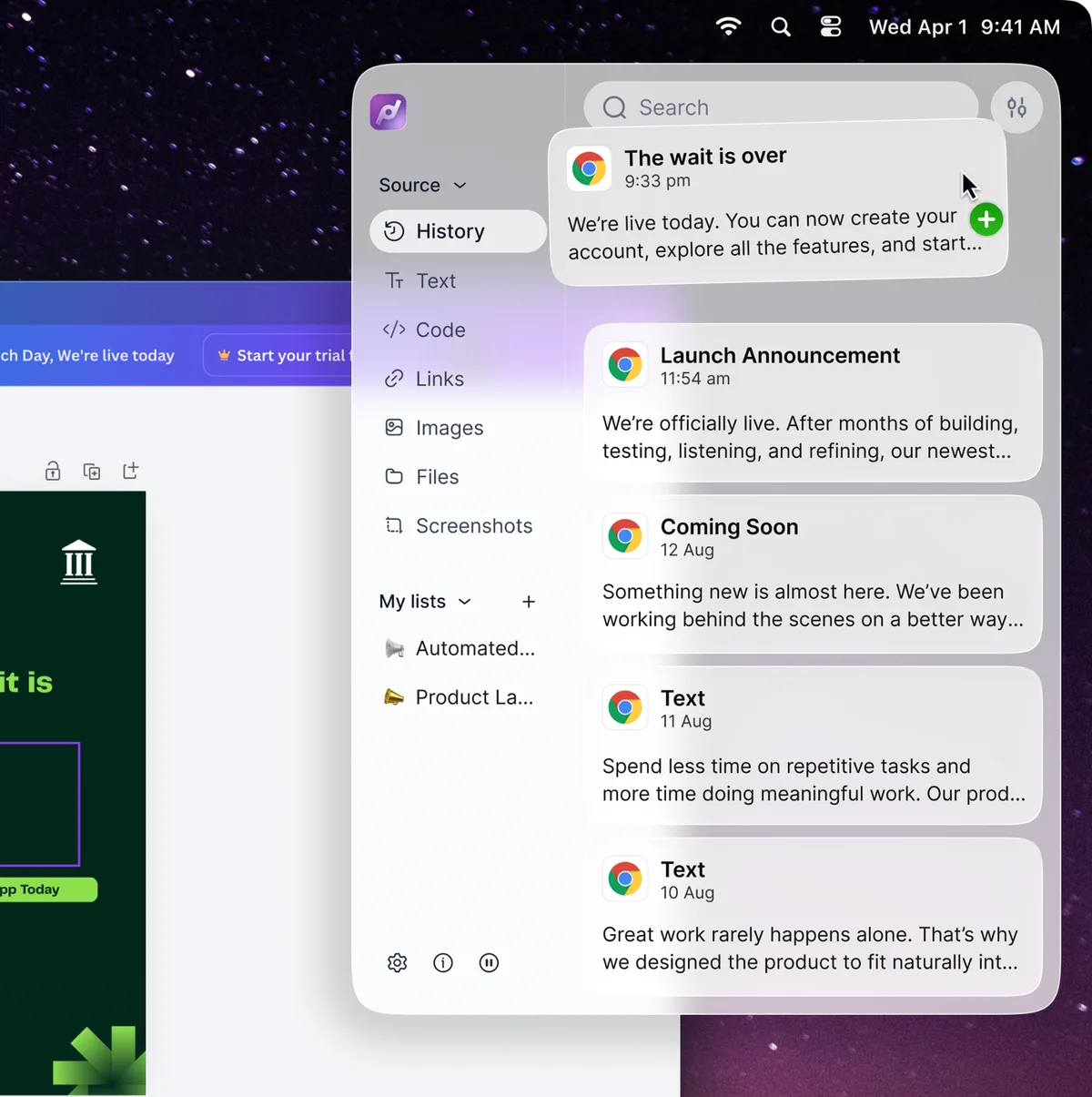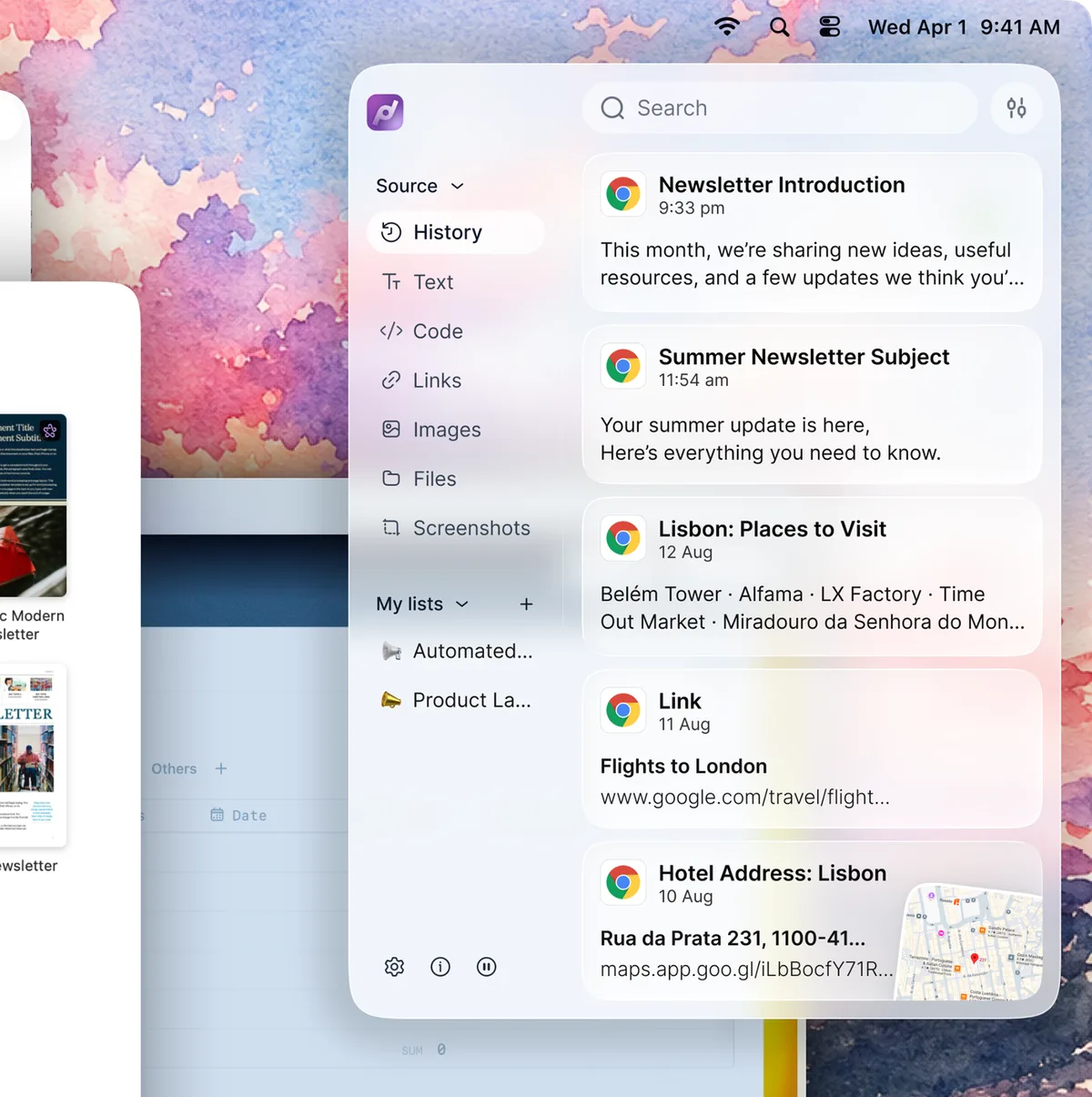
Automatically Organized
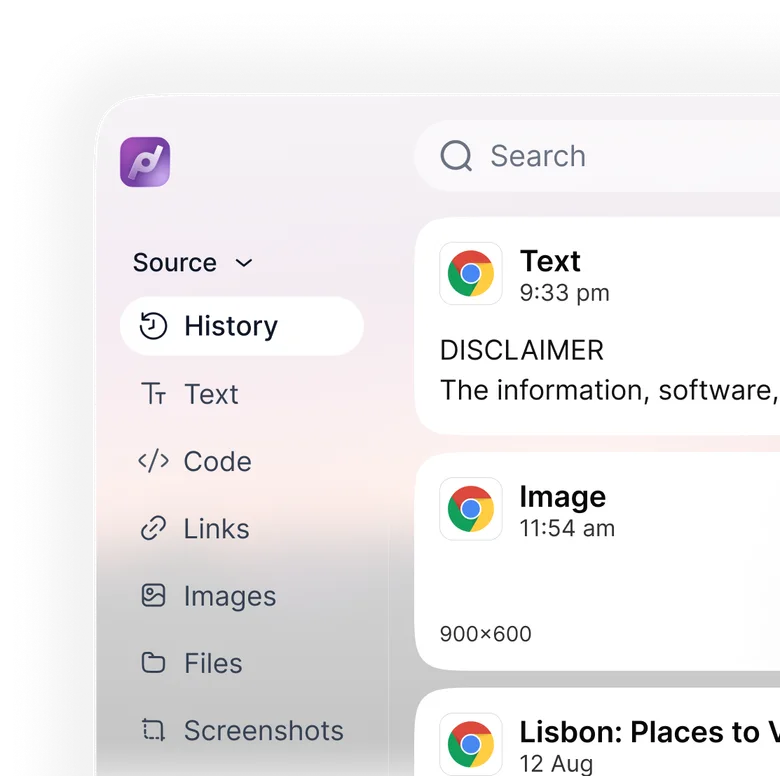
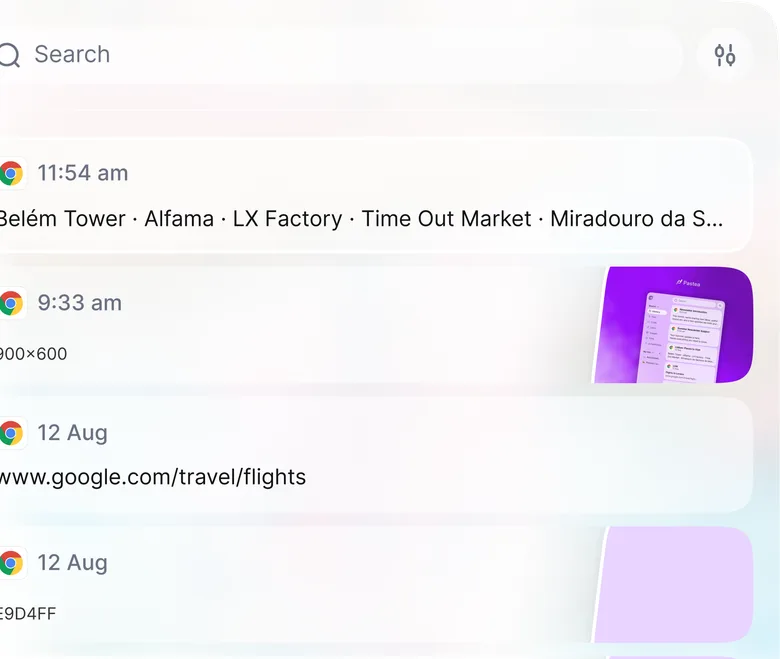
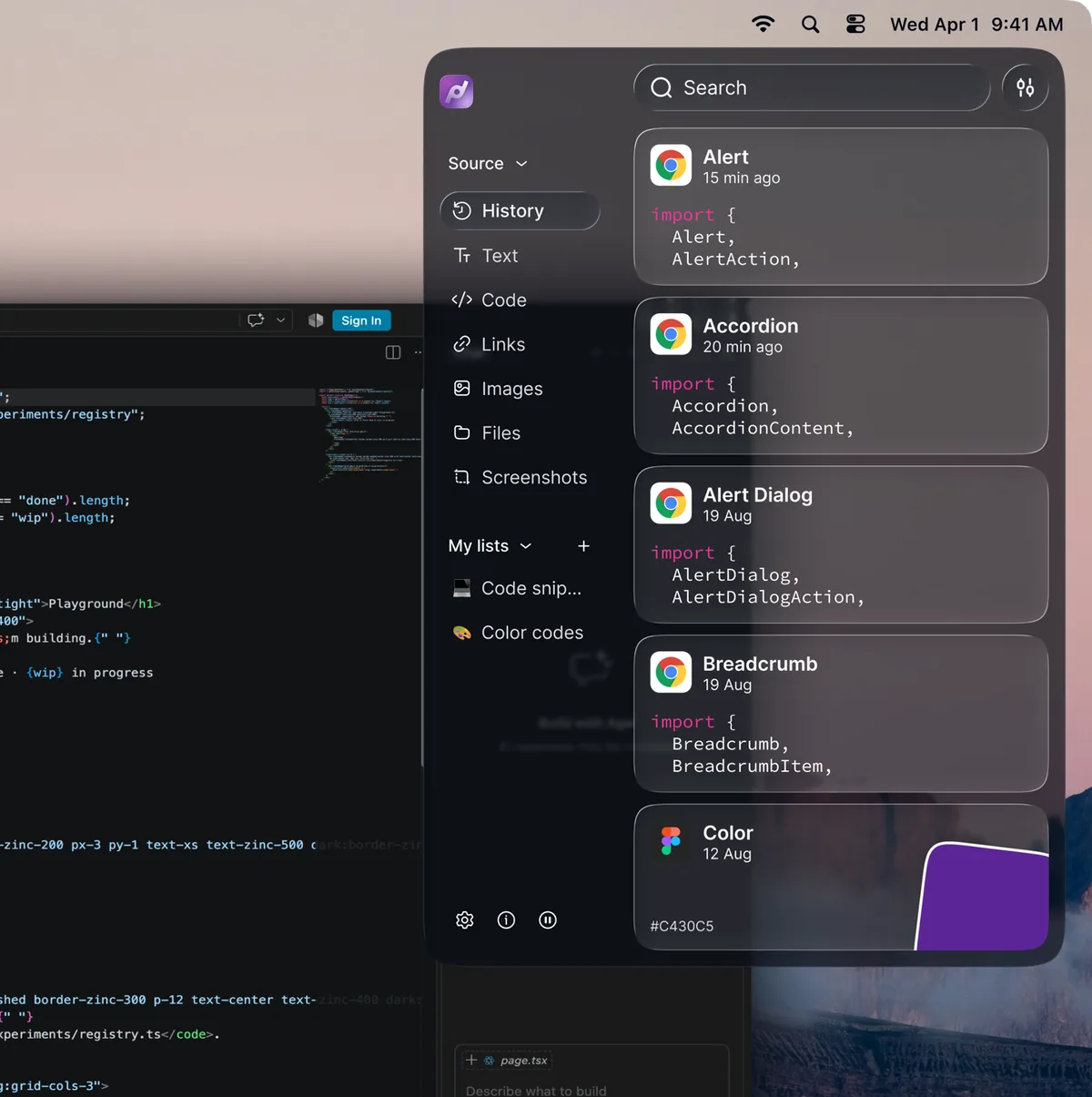
Everything you copy is automatically sorted by type, app, and time, so your clipboard stays easy to browse without any manual organizing.
image
Pastea for macOS
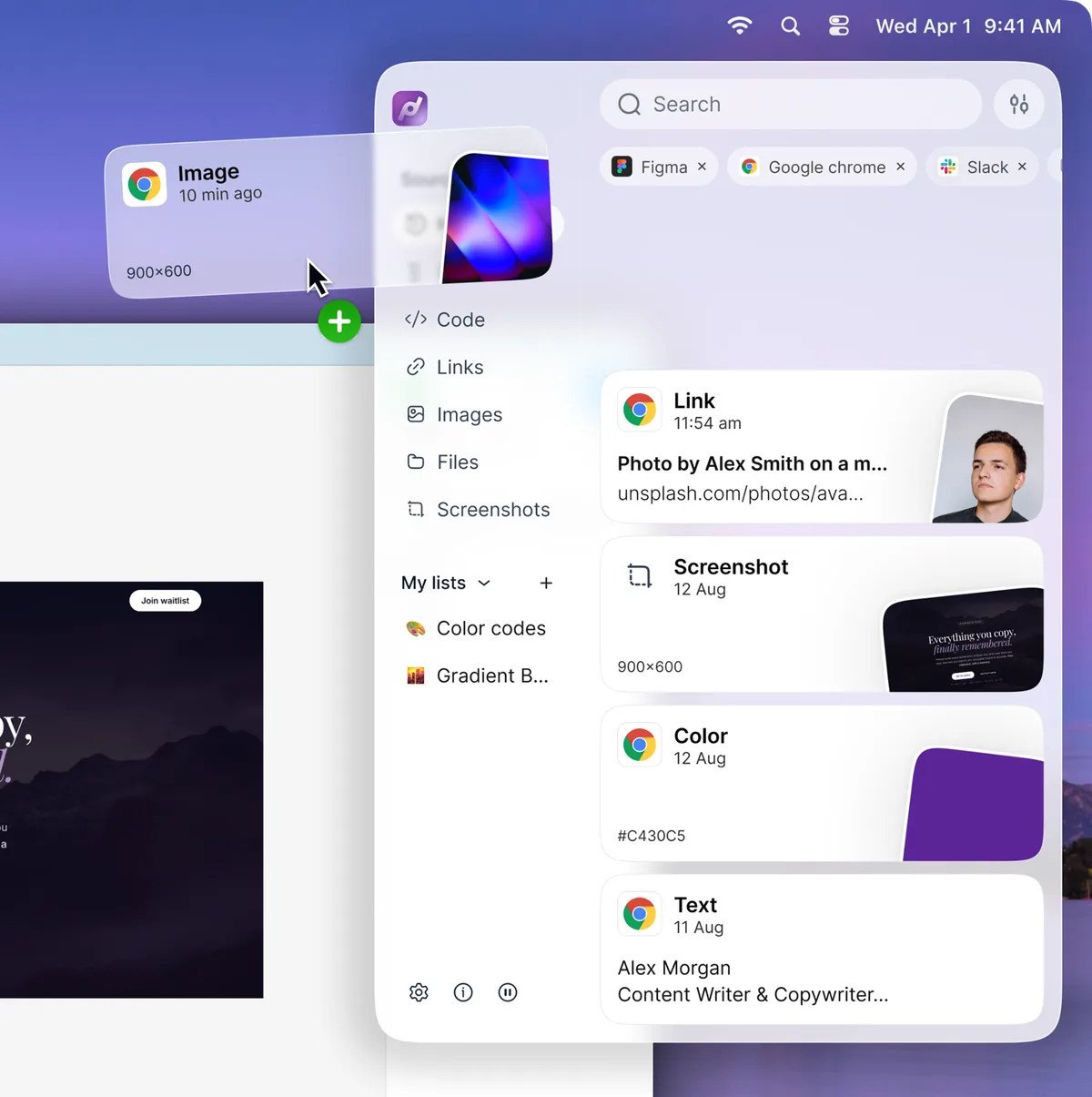
Pastea keeps your images, links, files, text, and screenshots organized, searchable, and ready to reuse, with control over what gets saved.
Starts with a 7-day free trial, no credit card required.

Introducing Pastea
Save, find, organize, and reuse anything you copy, faster, smarter, and without breaking your flow
Everything you copy is automatically sorted by type, app, and time, so your clipboard stays easy to browse without any manual organizing.
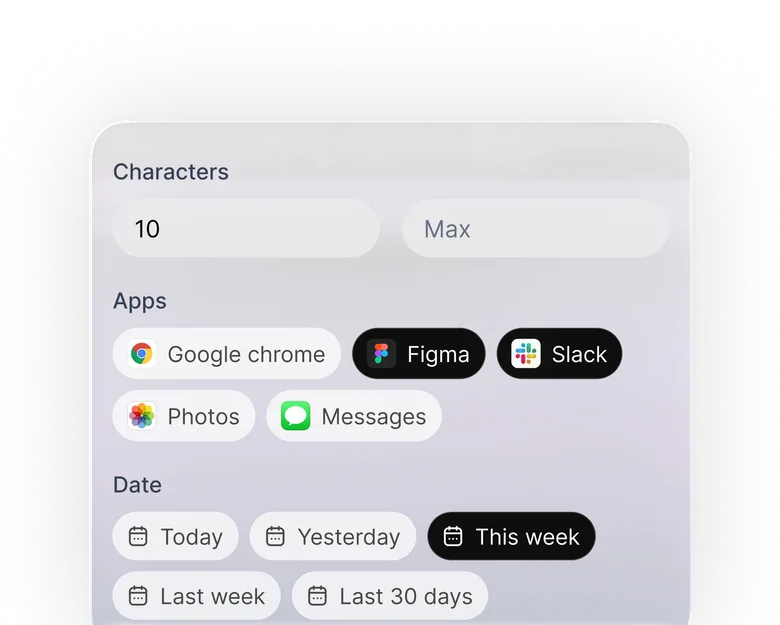
Find anything you copied in seconds. Search by content, type, or app, even by number of characters through months of clipboard history.
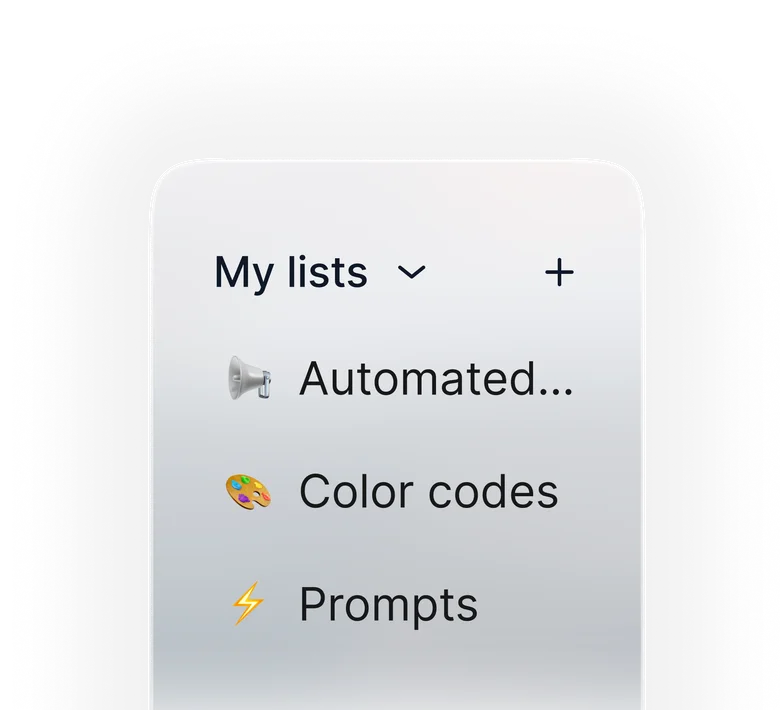
Keep important clips within reach. Pin your favorites, group them into lists, and access them whenever you need them.
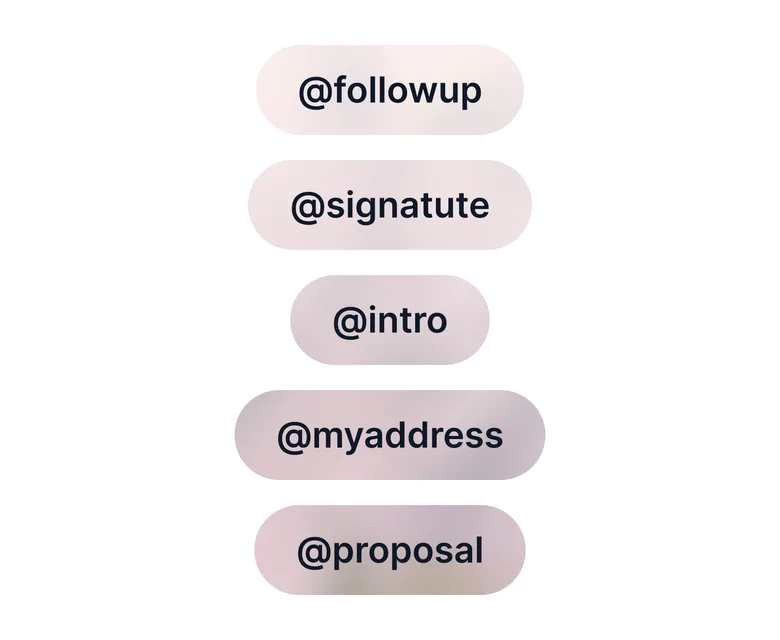
Create custom shortcuts for your favorite clips and paste them instantly wherever you're typing.
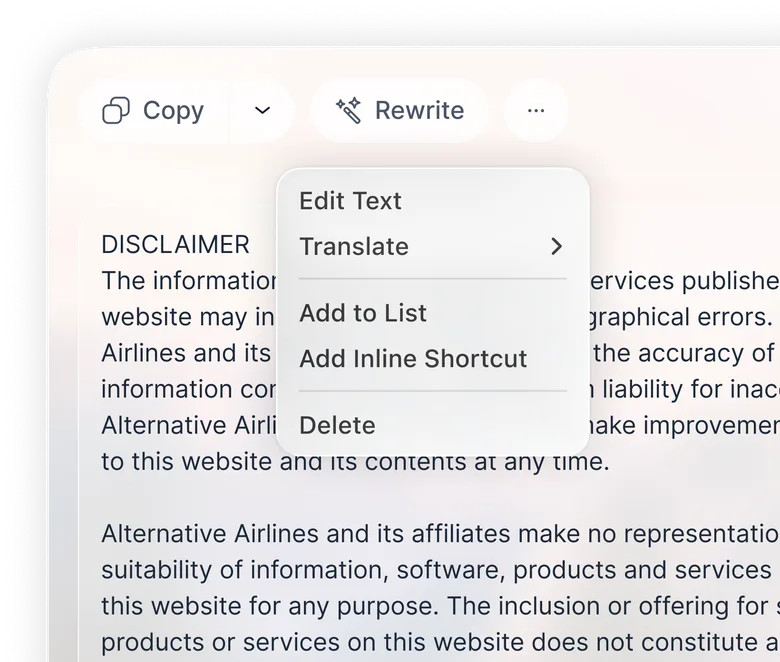
Rewrite, polish, or translate any copied text in seconds without leaving your workflow.
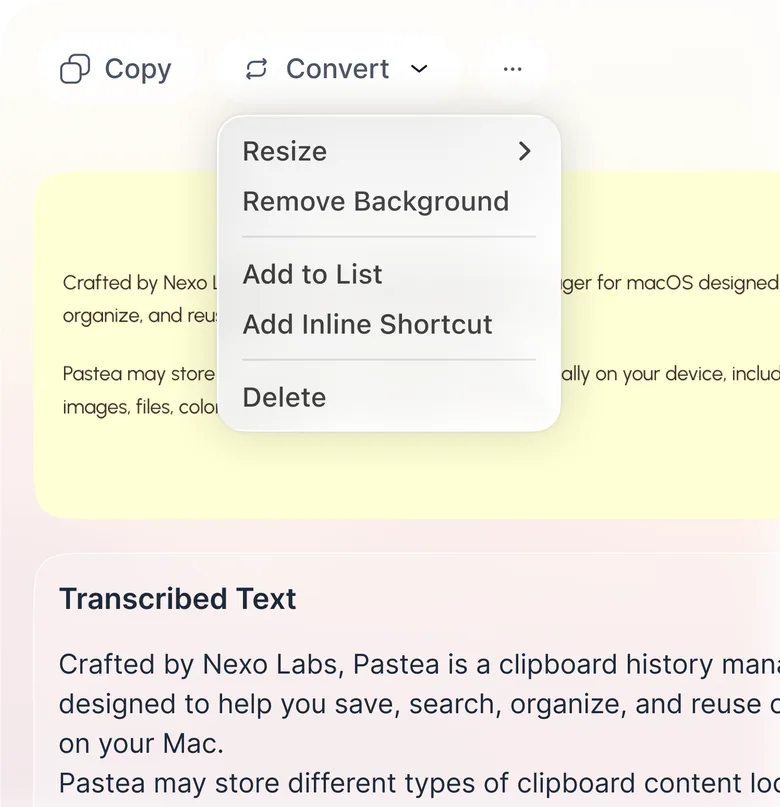
Turn text inside images and screenshots into editable, searchable text in seconds.
Open your clipboard right where your cursor is, and paste instantly without switching windows.
Use cases
Pastea helps you copy, find, and reuse content faster across
every kind of work
Privacy
Your clipboard is one of the most personal things on your computer. Pastea keeps it on your own machine, and you decide what it is allowed to remember.
Your clipboard history is saved locally, on your own machine. Nothing you copy is sent to our servers.
Turn on iCloud Sync and your history follows you between your Macs through your personal iCloud, never through us.
When a password manager marks an item as concealed, Pastea recognizes it. You can stop Pastea from saving concealed items at all.
Pastea may contact a website to fetch a title, icon, or image for links you copy. You can turn link previews off anytime.
Exclude specific apps or entire content types, including text, images, links, and files, so they never appear in your clipboard history.
Supported AI tools reach your clipboard through a private local endpoint. They can search, read and copy, they can’t delete your clips, and concealed items are never shared.
Connect Your AI Tools
Connect Pastea to supported AI tools with MCP, so they can securely search, read, and use your clipboard history while your data stays under your control.





Made to fit you
Customize what Pastea remembers, what it ignores, how you access it, and where your history is available
Choose how long Pastea keeps your clipboard history, from 1 day or 1 week to 3 months or forever.
Your clipboard history stays on your Mac. Passwords and other concealed content can be excluded entirely.
Stop Pastea from saving content from specific apps or exclude entire content types like text, images, links, or files.
Create custom keyboard shortcuts for your favorite Pastea actions and move through your clipboard faster.
Keep your clipboard history available across your Macs with iCloud Sync.
Let supported AI tools securely search, read, and copy from Pastea through a private local endpoint. They can’t delete your clips, and concealed items are never shared.
Pricing
One payment, the full app, every future update. No subscription.
Lifetime
Regular price $29.99$22.49once
One payment, no renewal. Save 25% as one of the first 50 customers.
This price is for the direct Mac purchase and is applied at checkout while the offer lasts. App Store purchases will show local pricing in Apple's purchase sheet.
Get a second opinion
Tell ChatGPT how you work and see where Pastea could fit into your workflow.
FAQs
Everything you need to know, in one place
Pastea is a clipboard history manager for macOS that automatically saves everything you copy, text, links, code, images and even screenshots, so you can search, pin, and paste it back anytime.
For the direct Mac download on this website, a lifetime license is $29.99 with no subscription. The first 50 direct customers get 25% off, making it $22.49 while that offer lasts; checkout shows the final price. App Store versions use Apple's purchase sheet and local pricing once released.
Yes. The direct Mac download starts seven days of full access on first use, with no card required. In the App Store versions, you choose when to start the seven-day trial through a free In-App Purchase; it does not renew or charge you automatically. Your saved clips remain when the trial ends.
Your clipboard history is stored on your devices, not our servers. Optional iCloud sync stores it in your private iCloud database. Link previews may contact the copied website, and an AI tool can read clips only after you approve its connection on Mac. Pastea recognizes items marked concealed by password managers, but no automatic detection is perfect; you can exclude concealed items entirely. See the Privacy Policy for details.
As far as you want. Pastea keeps a month by default, and you can change that to a day, a week, three months, a year, or forever.
The direct Mac download here supports macOS 15 or later. Pastea for iPhone and iPad requires iOS or iPadOS 18 or later. The iPhone, iPad, and Mac App Store versions have been submitted to Apple for review and are not yet publicly available.
Download Pastea and turn everything you copy into something you can find, reuse, and paste in seconds.
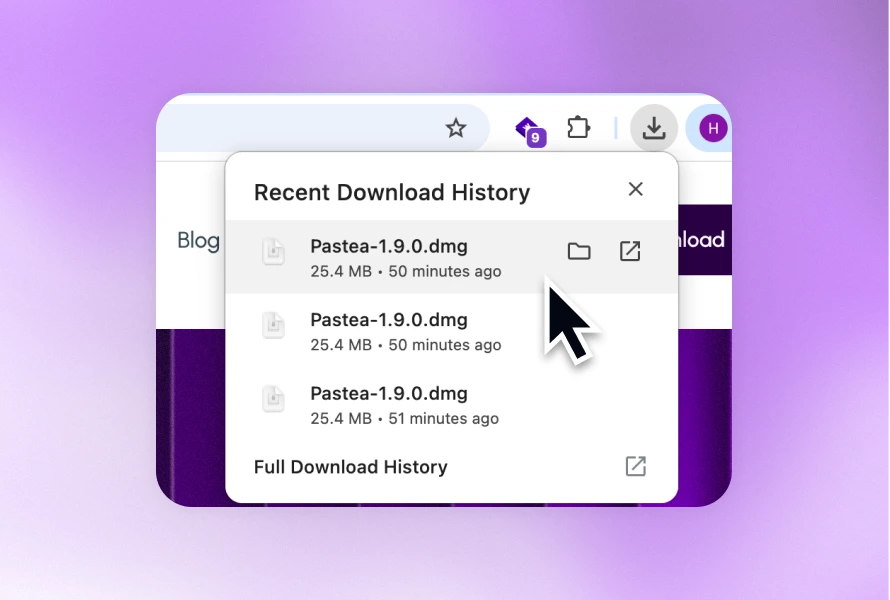
Download for macOSStep 1
Open Pastea.dmg from your Downloads folder
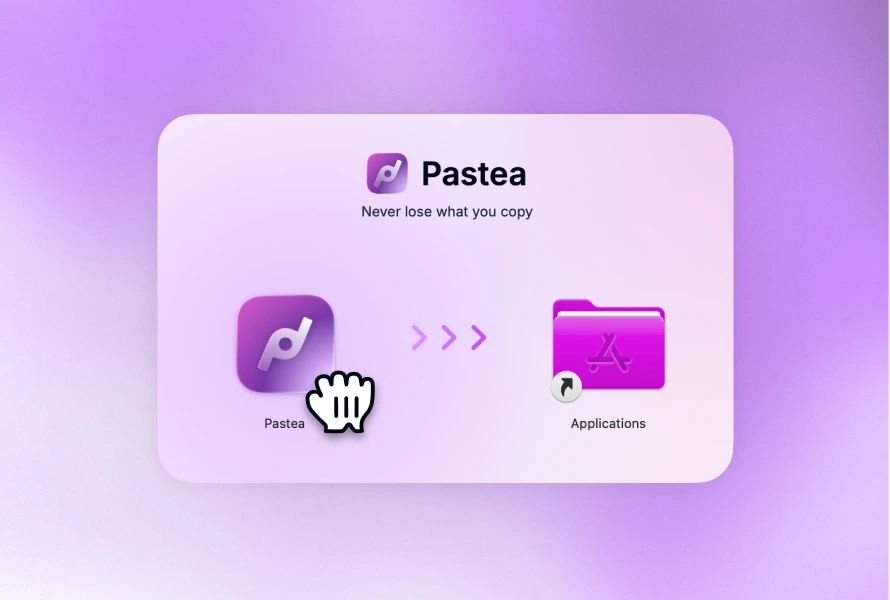
Step 2
Drag Pastea app into your Applications folder.
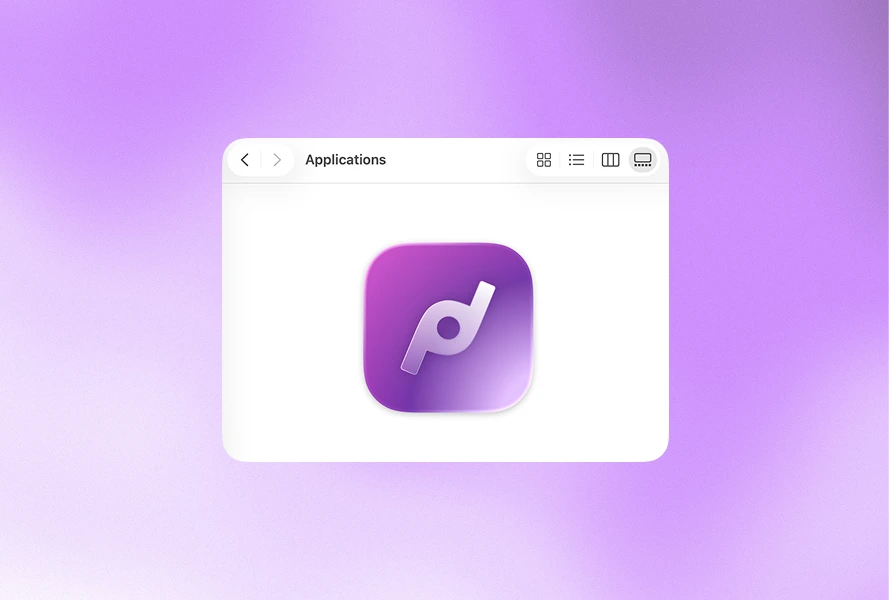
Step 3
Open your Applications folder and search for Pastea.
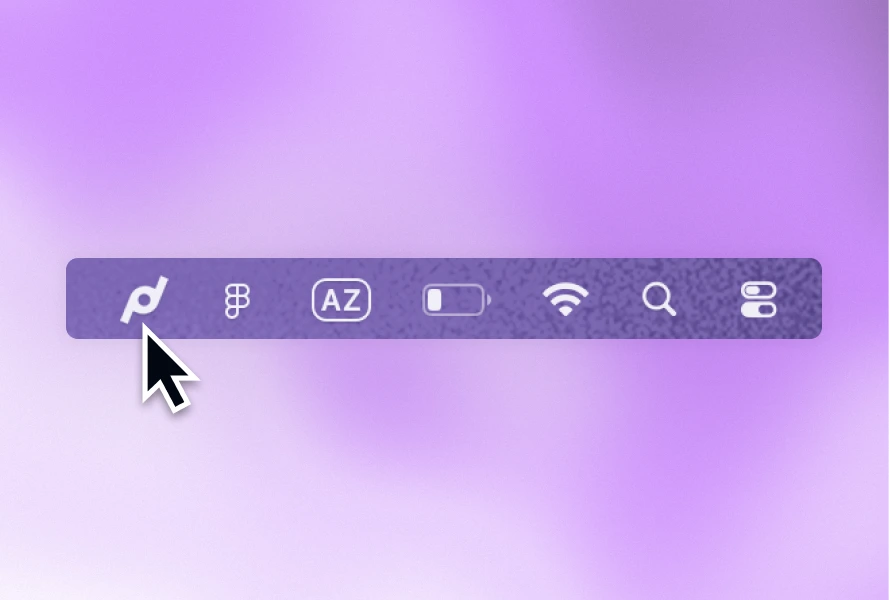
Step 4
Click the Pastea icon in your Mac’s menu bar to open the app.