Pastea for Researchers

Collect research withoutbreaking your flow

Save quotes, excerpts, links, screenshots, and notes as you research. Pastea keeps everything organized and searchable, so you can stay focused on the work instead of constantly switching between your browser, notes, and folders

Starts with a 7-day free trial, no credit card required.

Stay in research mode

Keep what matters without stopping to organize it.

When you find something useful, just copy it. A passage from a paper, a link from the web, a note from a document, or a screenshot of a diagram. Pastea keeps it available while you continue researching.
Research collections

Keep each research project in its own place.

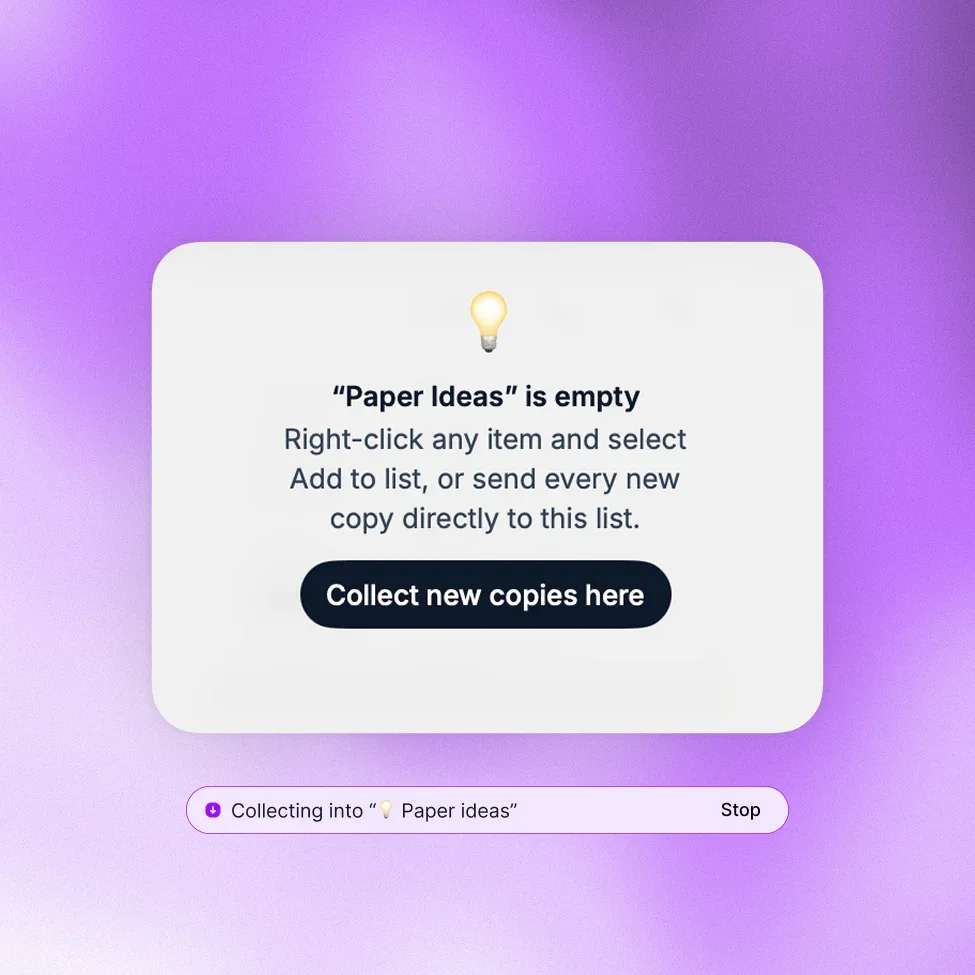
Start a collection for a topic or project and send new copies directly into it as you work. Your quotes, notes, links, and screenshots stay together instead of getting buried among unrelated clipboard history.

Watch video

Find it again

Remember the idea. Pastea helps you find the rest.

You shouldn’t need to remember exactly where you found something.

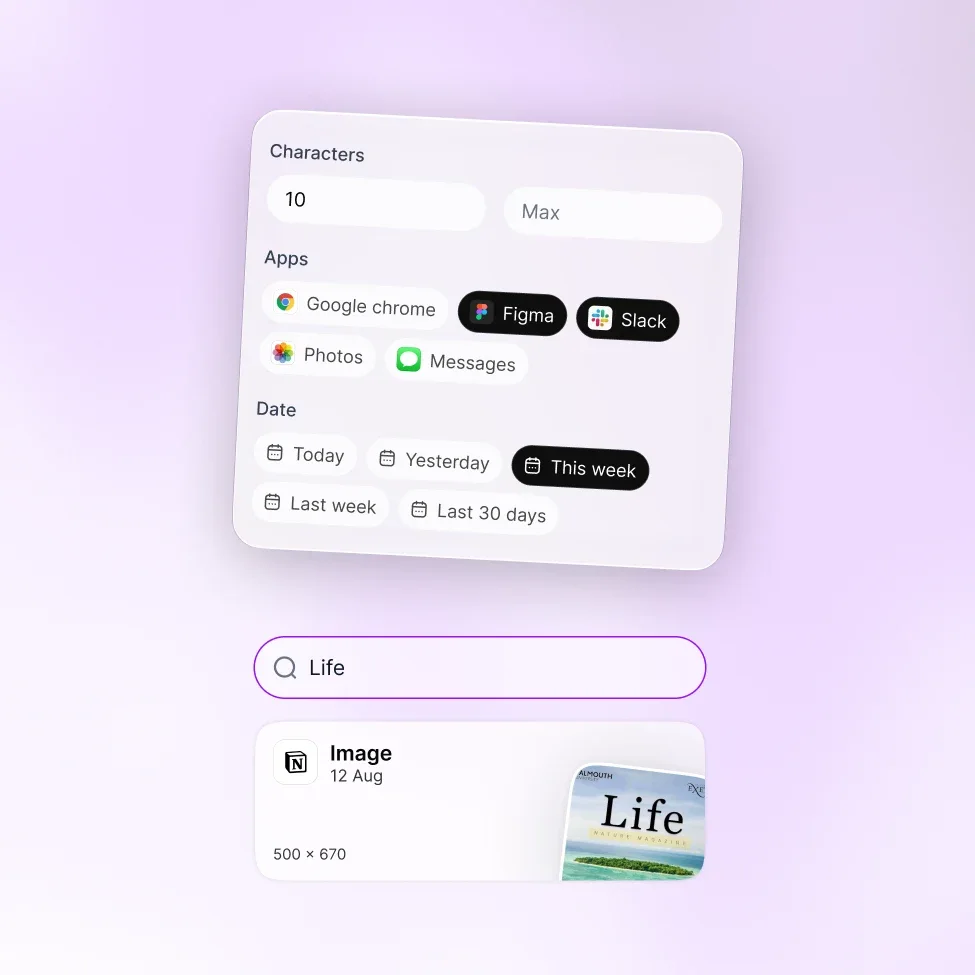
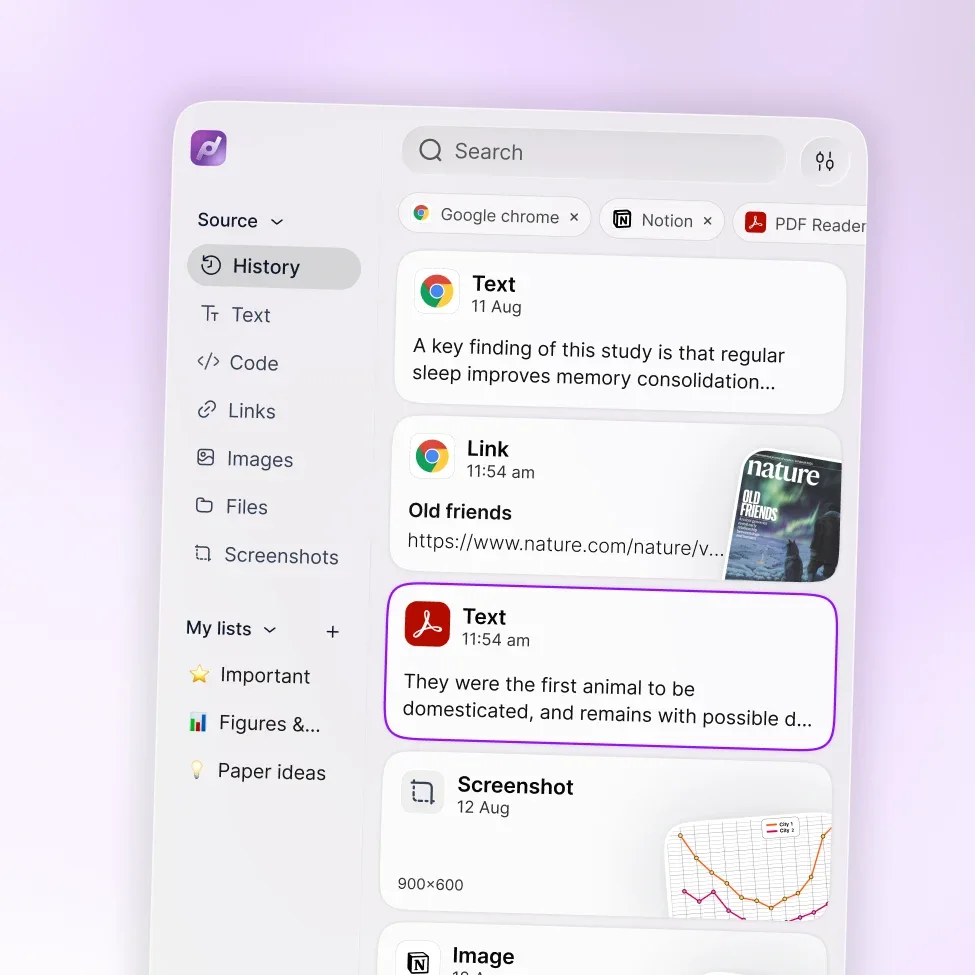
Search your clipboard history and narrow results by content type, source app, date, or even text length. Pastea can also search text recognized inside screenshots and images.

Keep the context

Go back to where your research came from.

Finding an excerpt is useful. Understanding where it came from is even better.

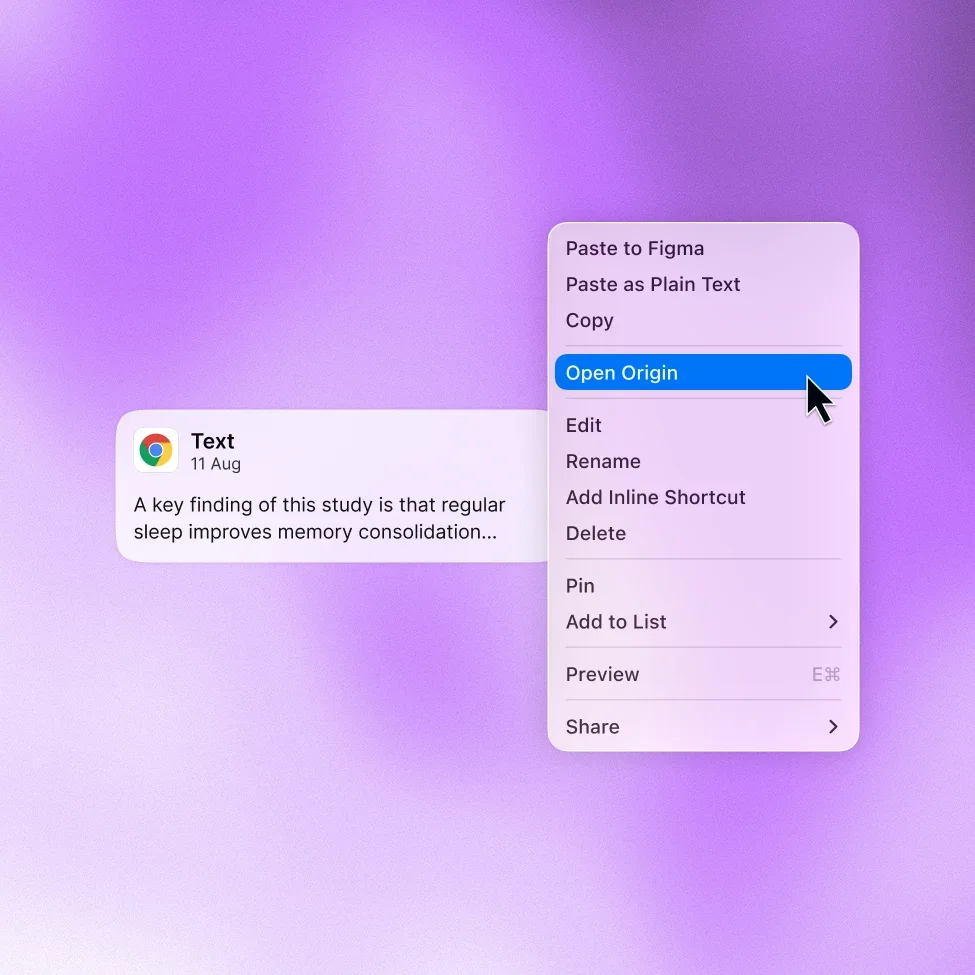
Pastea keeps the origin of copied material accessible, so when you need more context, you can jump back to the source instead of retracing your research from memory.

Get a second opinion

Ask ChatGPT about Pastea.

Tell ChatGPT how you work and see where Pastea could fit into your workflow.

FAQs

Frequently asked questions

Pastea is a clipboard manager for Mac that helps researchers collect, find, organize, and reuse copied information. You can save quotes, excerpts, links, screenshots, notes, and other research material without constantly switching to a separate notes app.

Yes. You can create dedicated lists for different topics or projects and use Collect new copies here to automatically send new copied material into the selected list while you research.

Yes. Pastea can recognize text inside screenshots and images, making it easier to find research material even when the information wasn’t originally copied as text.

For supported copied items, Pastea can keep the origin accessible so you can use Open Origin to return to where the item was copied and recover the surrounding context.

Yes. Pastea can connect with supported AI tools through MCP, allowing them to search and work with your clipboard history and collections. You can use this to summarize notes, extract key ideas, organize research, or find patterns across collected material.

Your Pastea clipboard history is stored locally on your Mac. You can also choose which apps or content types Pastea should ignore if there is information you do not want saved.

Your research shouldn’tdisappear into tabs and folders.

Collect what matters as you work, find it again in seconds, and keep your research ready for whatever comes next.

Download Pastea for macOS

Starts with a 7-day free trial, no credit card required.