How Pastea keeps your clipboard private
A clipboard manager can handle sensitive material, so the place to start is where your history goes. Pastea stores it on your devices and, only if you enable sync, in your private iCloud database. Here is what that means in practice, feature by feature.
Local-first, actually
On Mac, clipboard history is stored in Pastea's local app data. On iPhone and iPad, supported clips are saved locally when you open Pastea or explicitly share or save content to it; iOS does not give Pastea continuous background clipboard access. Copied text, code, images, files, screenshots, and colors are not uploaded to or stored on servers we operate. Our licensing service handles access identifiers and purchase status, not clips. The full detail lives in the Privacy Policy.
Passwords and concealed items
Some password managers mark what you copy as concealed, and Pastea recognizes that signal: concealed items can be hidden in the interface, are never used to generate link previews, and can be excluded from your history entirely.
No automatic system catches everything — a third-party app may fail to mark sensitive content correctly. If you routinely handle credentials or client-confidential material, exclude that app in
Settings → Privacyrather than relying on detection alone, or pause capture with ⇧ ⌘ P before you start.
Link previews can contact the copied website
Copying a link may cause Pastea to contact that site to build a preview — a title, an icon, an image. The site may see the URL and ordinary request information, including your IP address. There are two guardrails:
- Previews are never generated for concealed items, or for URLs Pastea recognizes as one-time sign-in, authentication, or password-reset links — fetching one of those could consume it.
- You can switch link previews off entirely in
Settings → Privacy.
Text in screenshots is read on your device
Pastea recognizes text in images and screenshots locally on Mac, iPhone, and iPad, so saved pictures become searchable. Images are not sent to an OCR service. The recognized text is stored locally alongside the clip and syncs with it only if you turn on iCloud sync. Because recognition turns a picture into searchable text, it has its own switch in Settings → Privacy too.
Sync without a middleman
iCloud sync is optional and off by default. When you turn it on, your history syncs across supported Macs, iPhones, and iPads through your own private iCloud database — not through servers we operate, and we cannot read it. Sync sends clips to Apple as part of that feature; it does not make them available to Pastea's servers.
Analytics, crash reports, and connected tools
Optional product analytics and crash reports send technical or usage information, but exclude clipboard content. You can turn them off separately in Pastea's privacy settings. The App may also contact our licensing service to verify trial or paid access; that request does not include clips.
On Mac, you can separately approve an AI tool to search or read history through Pastea's local MCP connection. That connection is off by default, each tool can be revoked, and concealed items are excluded. Once an approved tool reads a normal clip, what it does with that content follows the tool's own privacy policy. See Connect AI tools for the setup and limits.
When you'd rather not capture at all
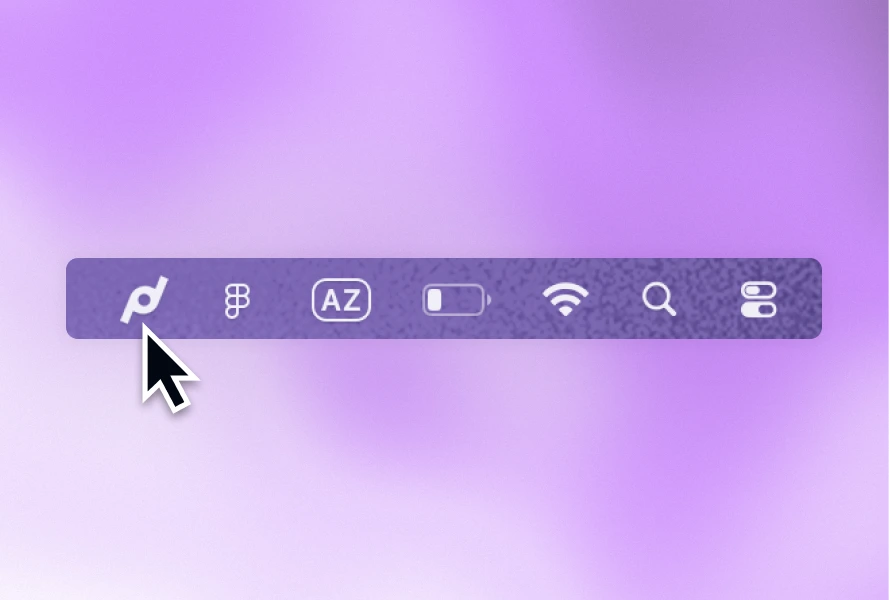
- On Mac, press ⇧ ⌘ P to pause capture; nothing you copy while paused is recorded. The menu bar icon shows a pause badge while capture is off.
- Ignore specific apps, so nothing copied inside them is captured — the right tool for a password manager or a banking app.
- Ignore whole content types, in the same
Settings → Privacypage.
If anything here raises a question the help centre doesn't answer, email us — a person will reply.