Best Clipboard Manager for Mac in 2026: 5 Worth Trying

The best clipboard manager is the one you can open without thinking. If it makes you stop, hunt through a window, or wonder where your copied data went, it is adding a new problem instead of fixing the old one.
If you run macOS Tahoe and only need recent recovery, start with the built-in Mac clipboard history in Spotlight before choosing another app.
We build Pastea, so this is not a neutral lab test. But pretending every person needs our app would not be useful either. Paste, Supaste, Raycast, and Maccy all make sense for different people. Here is the shortlist we would give a friend, including the reasons to choose something other than Pastea.
The short version
- Pastea fits a focused Mac workflow with visual history, on-device screenshot search, inline shortcuts, and MCP access, with native iPhone and iPad apps and optional iCloud sync for your saved clips.
- Paste is a strong choice if you want a mature clipboard library across Apple devices with shared pinboards and a paste queue.
- Supaste suits people who want a visual, Mac-only library with a notch shelf, reminders, Dropbox sharing, and Apple Intelligence features.
- Raycast makes sense if you already use Raycast and want clipboard history inside the launcher you have open all day.
- Maccy is excellent when you want a small, open-source utility that does one job with very little ceremony.
There is no universal winner. The choice depends on how you retrieve, organize, share, and sync your clips, and whether you want a dedicated app or a clipboard feature inside a larger productivity tool.
1. Pastea: a focused clipboard library for the Mac
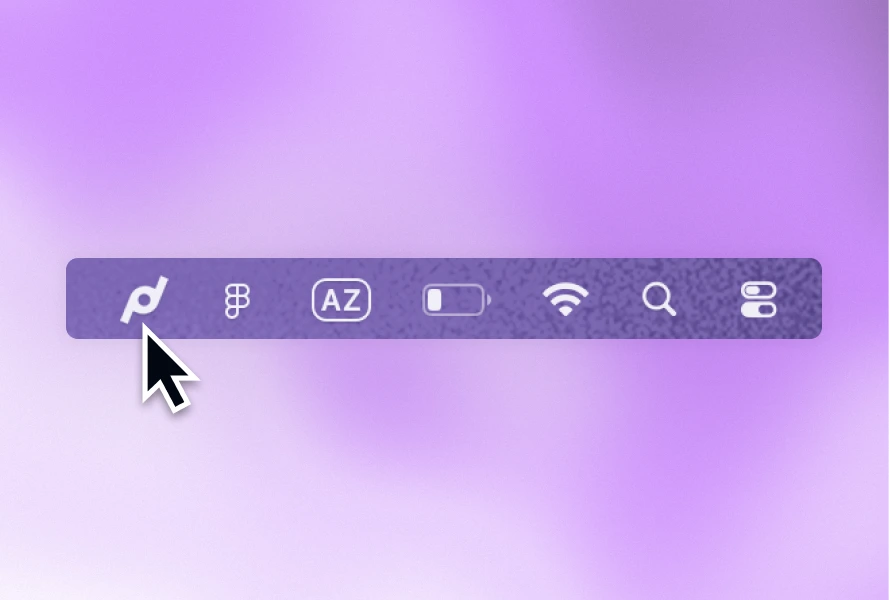
Pastea saves text, links, code, colors, images, screenshots, and files. Press ⌘ ⇧ V and its panel opens beside the app you are using, without taking over your screen. Search starts immediately, and Return pastes the selected item back where you were working.
The details matter more than the basic history. Pastea recognizes text inside screenshots on your Mac, keeps reusable clips in lists, lets you assign inline shortcuts such as ;welcome, and can expose approved history to Claude, Cursor, VS Code, Windsurf, Codex, and other MCP clients through a local endpoint.
Privacy is deliberately visible. History is stored locally on your devices, and iCloud sync is optional. On Mac, concealed items can be excluded, individual apps and content types can be ignored, and link previews can be turned off.
Pastea is also available for iPhone and iPad on the App Store. Save supported content from the Share menu or by opening Pastea after copying, search your saved clips, and reuse them with the Pastea keyboard. Optional iCloud sync connects that library to your Mac. iOS capture is explicit or happens when you open the app; it does not continuously monitor every background copy.
Pastea's Sequence Paste also handles ordered pasting on Mac. Compare its visible sequence window with Paste Stack if you fill forms or move several values between apps. Shared Pinboards remain a separate Paste feature; Pastea's lists organize your own clips.
The direct Mac download has a seven-day trial with no card. Its standard lifetime price is $29.99; the launch offer is $22.49 for the first 50 customers. On iPhone and iPad, you choose when to start the free seven-day trial through Apple's purchase sheet. See the current Mac price and offer and the App Store's local Lifetime price before deciding.
2. Paste: the cross-device veteran
Paste has been refined for years and covers Mac, iPhone, and iPad. It offers unlimited history, rich visual previews, pinboards, iCloud sync, screenshot text search, shared pinboards, and Paste Stack for queueing several items and pasting them in order.
Paste's shared Pinboards and Paste Stack make it worth trying if collaboration or assembling a paste queue matters to you. It also has family and team options, and it is included with Setapp.
As checked on September 3, 2026, Paste's official pricing page listed $29.99 per year or $89.99 for a lifetime personal license, with a seven-day trial. Prices change, so check Paste's pricing page for the live figure.
Choose Paste over Pastea if shared Pinboards or a visual paste queue are requirements. Both offer Mac, iPhone, and iPad apps with iCloud sync.
3. Supaste: visual history with a notch-first workflow
Supaste is another native Mac clipboard manager with a strong visual approach. Its feature set includes a notch shelf, full library, quick search, custom categories, OCR, iCloud sync, inline shortcuts, multi-clip copy, clip reminders, Dropbox sharing, and Apple Intelligence actions.
Supaste is particularly interesting if you keep screenshots, design assets, and visual references, or if the MacBook notch feels like a natural place for a temporary shelf.
Its official site showed a limited $15 one-device lifetime offer when we checked on September 3, 2026. That is a promotional price and the page displayed limited availability, so treat it as a snapshot rather than a promise.
Choose Supaste if its notch shelf, reminders, or multi-clip card match the way you work. Choose Pastea if you prefer a no-card trial, a license across your Macs, or local MCP access to your history.
4. Raycast: clipboard history inside a larger toolbox
Raycast Clipboard History stores text, images, files, links, emails, and colors. It supports search, pins, filters, OCR, paste-as-plain-text, and sequential pasting. Raycast says copied content is encrypted locally, and it ignores common sensitive sources by default.
Its biggest advantage is also its biggest tradeoff: clipboard history is one part of Raycast. If Raycast is already your launcher, calculator, window manager, snippet expander, and extension host, that integration is convenient. If you only want a clipboard manager, the surrounding command platform may be more app than you need.
Raycast's longer retention options, including unlimited history, are Pro features. Check its current plan before comparing long-term cost.
5. Maccy: deliberately small and open source
Maccy describes itself well: it does one job—keeps copy history and lets you access it quickly. It is keyboard-first, open source, and far less visual than Pastea, Paste, or Supaste.
That restraint is the appeal. If you mostly copy text and want a compact list rather than previews, categories, OCR, AI connections, or a full library, Maccy may be all you need.
How to choose without overthinking it
Ask four questions:
- Do you need iPhone or iPad access? Compare Pastea and Paste. Both have native apps and iCloud sync; test how you save and reuse clips on your phone or tablet.
- Do you already live in Raycast? Try its built-in history before installing another utility.
- Do you want the smallest possible tool? Try Maccy.
- Do screenshots, reusable clips, and visual search matter? Compare Pastea and Supaste in your actual work.
Then test the awkward moments, not the marketing page. Copy a formatted email, a file, a screenshot containing text, a hex color, and a code block. Search for each one a day later. Paste it into the app where you normally need it. Open the privacy settings and make sure you understand every network-related option.
That half-hour tells you more than a feature checklist.
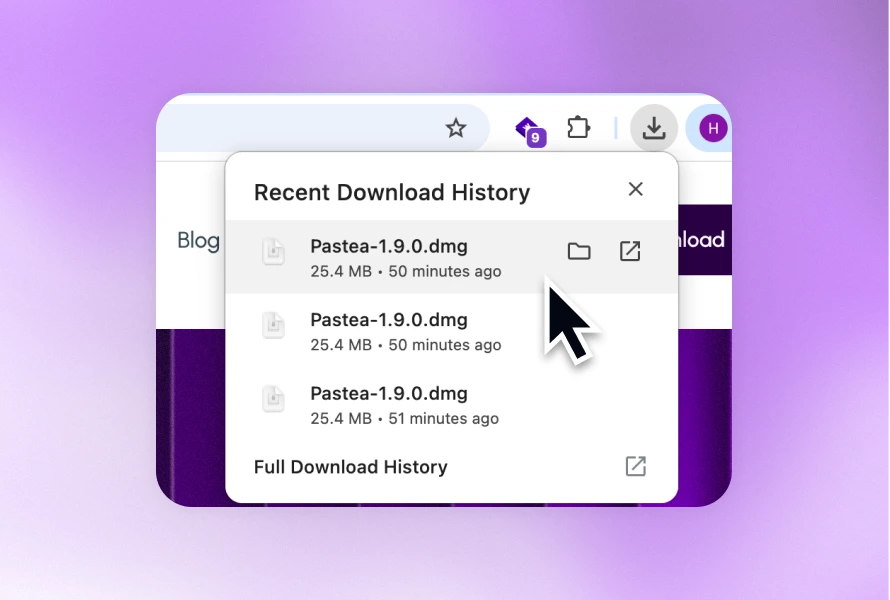
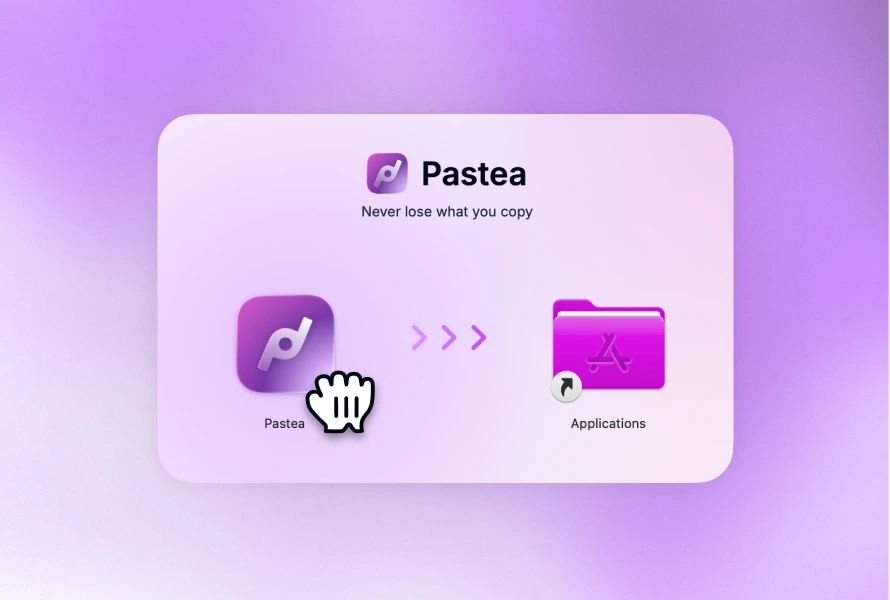
If Pastea sounds closest, download the seven-day trial. No card is required, and the useful test is simple: after a week, notice whether ⌘ ⇧ V has become muscle memory.