Paste Without Formatting in Google Docs on Mac
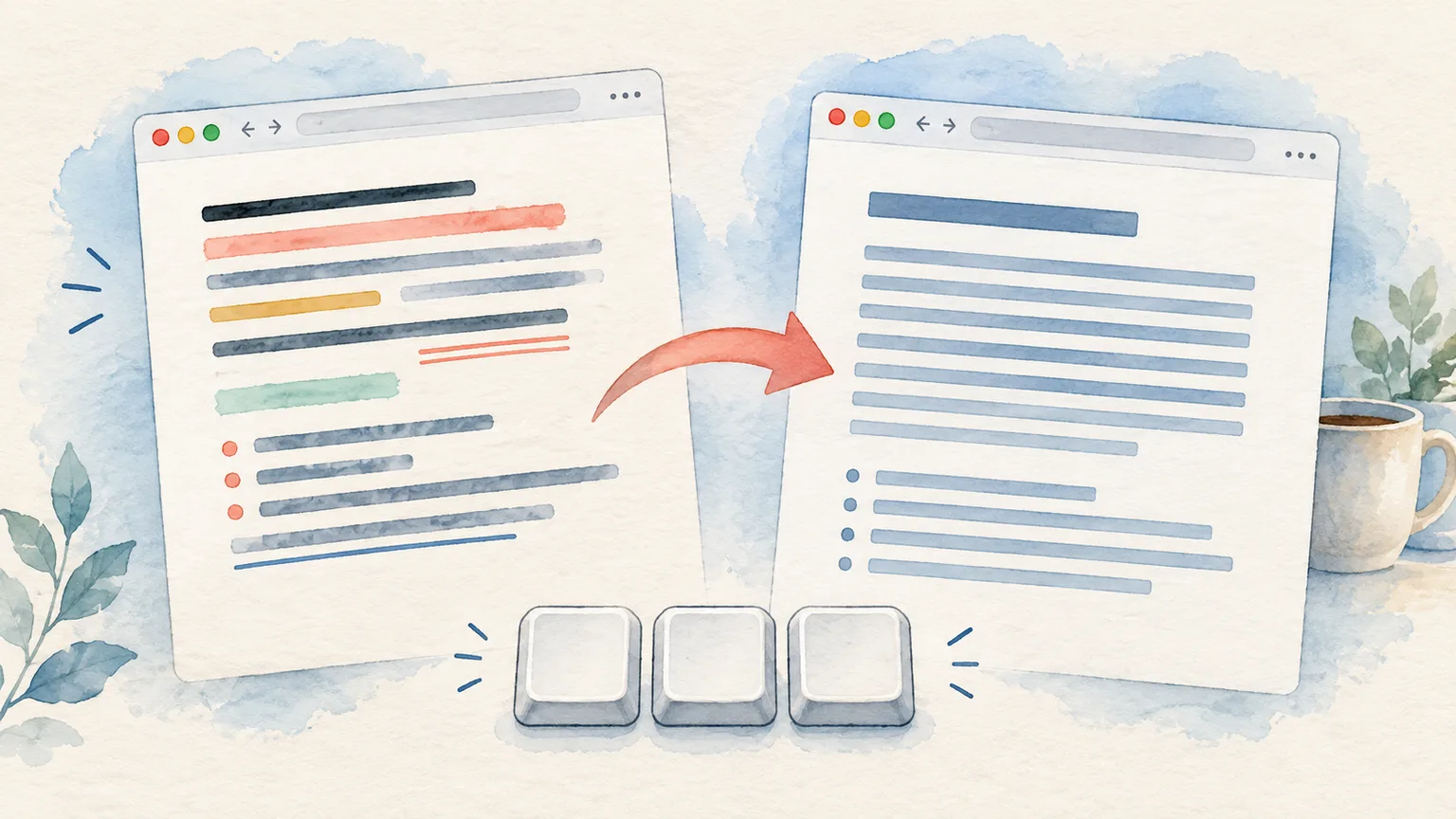
You copied a quote into Google Docs and brought the website's font along with it. In the document, place your cursor where the text should go and press ⇧⌘V. Google calls this Paste without formatting.
That is the Google Docs shortcut on Mac. Apple's more general Paste and Match Style shortcut is ⌥⇧⌘V in apps that offer it. If you work across Docs and Mac apps, the difference is worth remembering.
The shortcut and the three nearby commands
Google's current Docs keyboard-shortcut list distinguishes four operations that people often lump together:
| Goal in Google Docs on Mac | Shortcut | What it changes |
|---|---|---|
| Paste the copied content normally | ⌘V | Inserts content using the formatting Docs accepts from the source |
| Paste copied text without source formatting | ⇧⌘V | Inserts the text without carrying its rich formatting |
| Remove formatting from text already in the document | ⌘\ | Clears text formatting on the selected text |
| Copy and apply formatting to other text | ⌘⌥C, then ⌘⌥V | Transfers text formatting rather than pasting the words |
The last two are useful when the text is already in your document. If a paragraph is already pasted and looks wrong, select it and use Clear text formatting. You do not need to delete it and paste again.
Google also has a Paste text formatting command. To make one existing sentence look like another, select the correctly styled text, press ⌘⌥C, select the target text, then press ⌘⌥V. This is the opposite of a plain-text paste: the words stay in place while their styling changes.
If Command-Shift-V does nothing
Start with where the keystroke went. A shortcut can be intercepted before Google Docs receives it.
- Click inside editable document text. If the cursor is in the browser address bar, a comment box, or a view-only document, the Docs command cannot paste into the body.
- Open Google Docs' Edit menu. Look for Paste without formatting. If it is unavailable, test a short piece of copied text and confirm you have editing access.
- Check for a global shortcut conflict. A Mac clipboard manager, launcher, or keyboard utility may use ⇧⌘V. If its window appears, change that app's hotkey or use the command from Docs' menu.
- Try a clean browser session if the menu works but the shortcut does not. A browser extension or custom shortcut can be the difference. Test the same document in a private window or another browser before changing system-wide settings.
We build Pastea, and its default Show or hide panel shortcut is also ⇧⌘V. If Pastea opens when you intended to paste in Docs, open Pastea → Settings → Shortcuts and assign the panel a different combination. Pastea Help lists the defaults and where to change them. If you prefer using the clipboard panel, a selected clip can also be pasted as plain text from its context menu.
Google notes that some Docs shortcuts depend on language and keyboard layout. If your physical keyboard differs from the standard US layout, inspect the command in the Docs menu rather than assuming the printed key positions.
Why some formatting still appears
“Without formatting” removes the source's rich styling. The destination may then apply its own document style. A heading remains a heading if you paste into a heading paragraph; a list may continue if your cursor is inside a list. Google Docs can also turn a typed or pasted URL into a link afterward.
So use this simple check: paste a short sample into an ordinary body paragraph. If its font and size follow the surrounding document, the plain-text command did its job. If you need to reset the existing paragraph, select it and use Clear text formatting or apply the document's normal text style.
Be careful with structured content. Plain-text paste is meant for text. If you need a table, image, live link, or exact document layout, try ordinary ⌘V first and inspect the result. A clean paragraph is not always the right outcome.
For shortcuts in Word, Pages, TextEdit, and other Mac apps, use our broader Mac paste-without-formatting guide. This page stays focused on Google Docs and its shortcut conflicts.