Pastea vs Supaste: Which Mac Clipboard Manager Is Better?

Pastea and Supaste look like close competitors on Mac because they are. Both offer native Mac clipboard managers built around visual history rather than a tiny text menu. Both organize multiple content types, recognize text in screenshots, sync through iCloud, and let a saved clip expand from a short trigger.
The decision comes down to how you want to reach your history, whether you also need it on iPhone or iPad, what “AI support” means to you, and how you prefer to evaluate and license an app.
We build Pastea. Every Supaste detail below comes from Supaste's public site as checked on September 3, 2026; features and promotions can change.
The experience: side panel or notch shelf
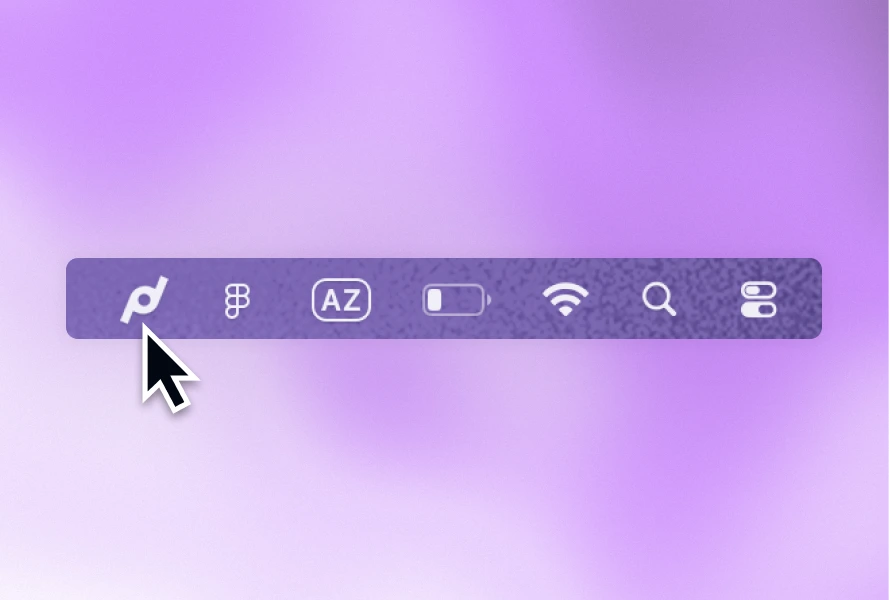
Pastea opens a right-edge panel with ⌘ ⇧ V or from the menu bar. It is designed to appear beside the app you are using and preserve your current context. Search is ready immediately, arrow keys move through the results, and Return pastes back into the original app when Accessibility permission is available.
Supaste offers several surfaces: a notch shelf, quick search, inline paste, drag and drop, and a larger Library view. If you use a MacBook and like the notch as an always-nearby shelf, that interaction is a meaningful reason to choose it.
Neither approach is universally better. Pastea's panel is consistent across Macs with or without a notch. Supaste offers more ways to bring a clip into view.
What both apps handle
The shared foundation is strong:
- text, links, code, colors, images, screenshots, and files;
- visual previews and filters by content type or source app;
- on-device OCR so words inside screenshots become searchable;
- organization through lists or custom categories;
- optional iCloud sync;
- local-first storage and controls for sensitive content;
- inline shortcuts that replace a typed trigger with a saved clip.
For ordinary “find what I copied yesterday” work, either app covers the job. The differentiators live beyond history.
Where Pastea goes further
A companion for iPhone and iPad
Pastea has a native iPhone and iPad app on the App Store. Optional iCloud sync shares saved history with your Mac, so a link or reference you keep at your desk can be available on your phone or tablet too.
On iOS, save supported content through the Share menu or open Pastea after copying. Find it later in the app or insert it with the Pastea keyboard. Background clipboard capture, inline triggers, and the MCP server are Mac workflows. Supaste's current offering focuses on macOS.
Local MCP access
Pastea runs an optional MCP server on your Mac. After approval, Claude Desktop, Claude Code, Cursor, VS Code, Windsurf, Codex, or another compatible client can search, list, and read clipboard history or copy an old item back to the system clipboard.
The endpoint listens only on your Mac, each connection has a separate revocable token, and concealed items are never exposed. Tools cannot delete clips or paste into another app. See the complete MCP setup and limits.
This is different from a built-in rewrite button. It makes your saved clipboard a source an agent can search while helping with a larger task.
Trial and access
The direct Mac download starts with a seven-day trial, no card required. One lifetime license covers use across your Macs and includes future Pro updates. On iPhone and iPad, you choose when to start the free seven-day trial through Apple's purchase sheet. See iPhone and iPad access help for Lifetime purchases and unlocking mobile access with an existing Mac purchase.
Granular privacy controls
Pastea can ignore selected apps, entire content types, and concealed items. Screenshot text recognition and link previews each have their own switch, and capture can be paused with ⇧ ⌘ P.
Where Supaste goes further
More collection tools
Supaste advertises multi-clip copy, which combines material from different apps and content types into one card. It also supports reminders on clips—including reminders tied to returning to the source app—and Dropbox sharing for files.
Pastea does not currently offer multi-clip cards or clip reminders.
Apple Intelligence actions
Supaste can rewrite or summarize text with Apple Intelligence. Pastea has rewrite and translation tools, and its separate MCP connection is built for bringing broader clipboard history into external AI workflows. If you specifically want Apple's on-device writing stack inside the clipboard app, Supaste has the clearer pitch.
Notch-native access
Supaste's notch shelf is a distinct surface for dragging or retrieving assets. Pastea does not extend the MacBook notch.
Price and purchase model
Pastea's normal price is $29.99 once. At publication, the first 50 customers could buy it for $22.49. It has a seven-day full trial without a credit card.
Supaste's site displayed a limited $15 lifetime price for one device, reduced from $29, with five promotional spots left when checked. It offered a 14-day money-back guarantee; its terms said there was no free trial.
Those promotional counters are snapshots, not durable facts. Compare the live price, number of licensed devices, and refund terms on each checkout page.
Privacy deserves a real test
Both products describe themselves as local-first and both use private iCloud for optional sync. Both have sensitive-content handling. That is the right baseline for software that sees what you copy.
Still, “local-first” should not end the conversation. Look for network exceptions such as link previews and AI features. Check whether you can disable them. Add password managers, banking apps, and confidential client tools to an ignore list. Automatic secret detection is a safety net, not a policy.
Pastea explains its network exceptions and controls in How Pastea keeps your clipboard private.
Which should you choose?
Choose Pastea if you want:
- a consistent edge panel on any Mac;
- saved clipboard history on iPhone and iPad with optional private iCloud sync;
- clipboard access from approved MCP clients;
- a free trial before purchase;
- one license across your Macs;
- granular controls for capture, OCR, and link previews.
Choose Supaste if you want:
- a MacBook notch shelf;
- multi-clip cards or clip reminders;
- Dropbox file sharing;
- Apple Intelligence actions inside the app;
- and its current device license and promotion fit your setup.
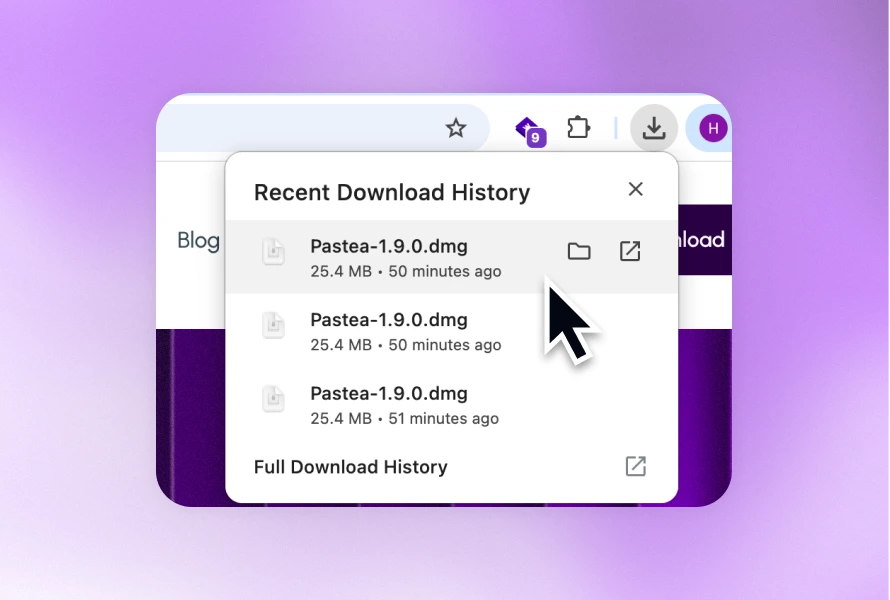
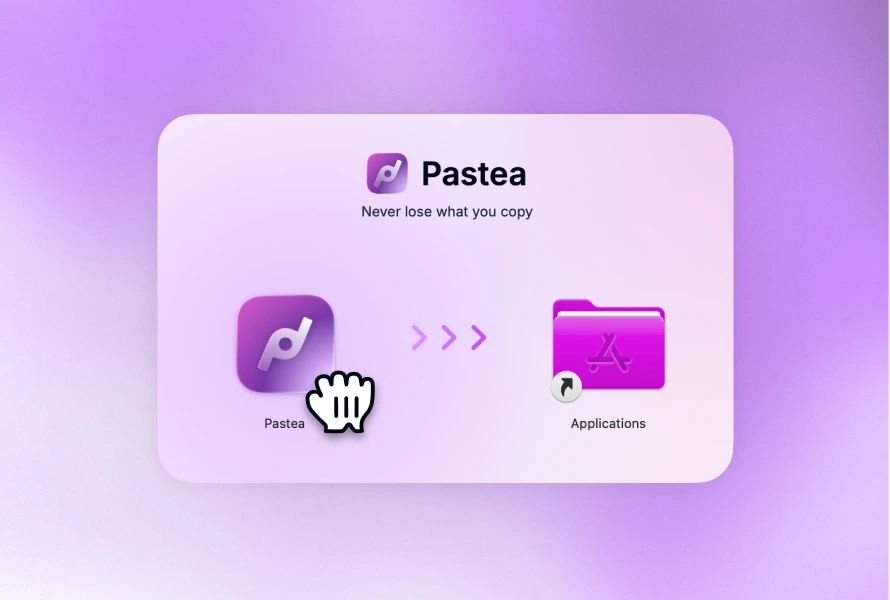
Both are thoughtful alternatives to a bare clipboard list. The right answer is the one whose access pattern disappears into your day. If Pastea sounds closer, download the seven-day trial and test it with your actual screenshots, links, and reusable snippets.