3 Raycast Snippets Alternatives for Mac

If Raycast already expands your signatures, links, and standard replies reliably, you may not need an alternative. Its free plan includes Snippets.
Switch when you can name the workflow that needs to improve. Pastea fits reusable clips that grow out of clipboard history. Espanso fits text expansion managed in configuration files. Alfred fits people who want snippets inside a different Mac launcher.
We build Pastea, so we have a preference. But a useful comparison should help you keep Raycast when it is already the right tool.
The short version
Features and pricing checked October 18, 2026. The table describes these tools' Mac workflows; it is not a benchmark.
| Tool | Best fit | Cost to consider | Main tradeoff |
|---|---|---|---|
| Stay with Raycast | Your existing snippets work and you use its launcher | Personal Snippets are on the free plan; paid features are separate | Switching may add work without solving a problem |
| Pastea | Turn useful copies into reusable triggers | One-time Lifetime purchase; check the current direct-Mac offer | Do not assume another tool's dynamic template syntax will transfer |
| Espanso | Maintain portable text-expansion rules in files | Free and open source | Configuration files require more setup than a visual editor |
| Alfred Powerpack | Keep snippets alongside Mac launcher automation | £34 single-user v5 license; £59 Mega Supporter | Snippets require the paid Powerpack |
Sources: Raycast pricing, Pastea pricing, Espanso, and Alfred's shop. Alfred's shop currently includes an Alfred 6 upgrade with the v5 single license; verify the offer before purchasing.
First decide what “snippets” means to you
Three common tasks look similar until you use them:
- Fixed text: insert a signature, address, meeting link, or reply.
- Dynamic template: insert a date, clipboard value, or variable content.
- Recovery: find something you copied but never deliberately saved as a template.
A good text expander can solve the first two without being your preferred history library. A good clipboard manager can solve the third without replacing every template feature you use.
Write down your five most-used snippets before comparing apps. Include one with multiple paragraphs and one with a link. If you use placeholders, write down what each one is expected to do. Those five examples are more useful than a long feature checklist.
Our text expander versus clipboard manager guide explains the broader distinction. This comparison focuses on replacing Raycast's snippet workflow.
Pastea: when your snippets start as useful copies
Pastea is a good fit when you repeatedly search history for the same material and eventually decide to reuse it by name.
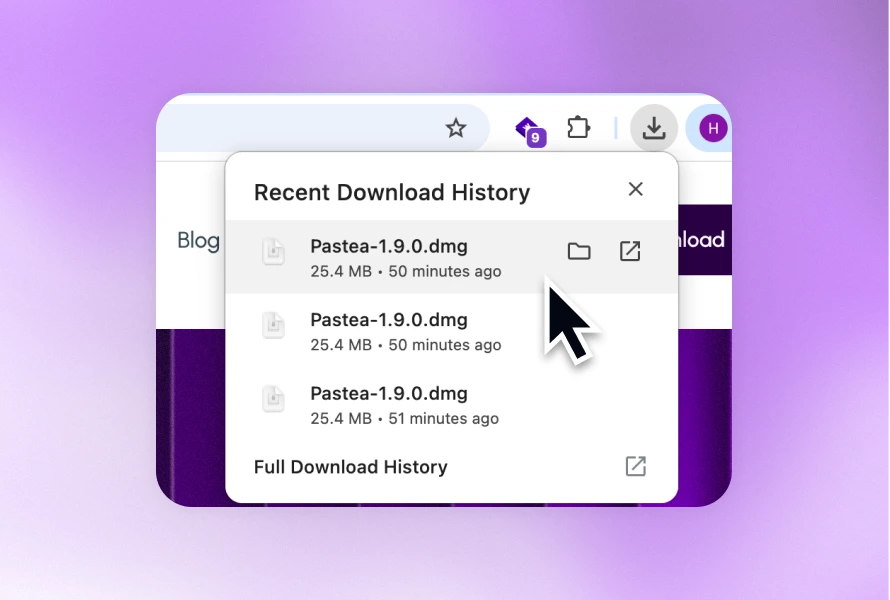
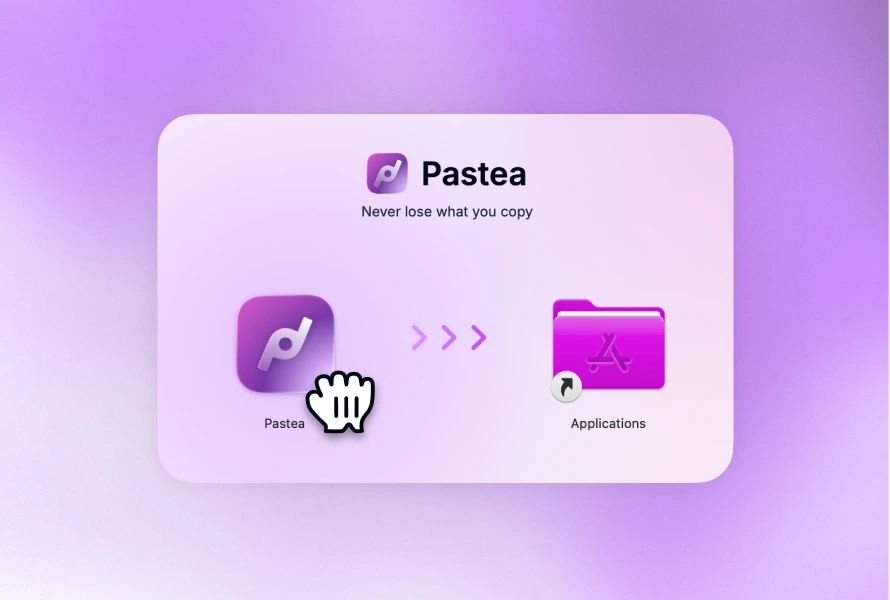
The workflow starts with an ordinary copy. Find the clip, right-click it, choose Add Inline Shortcut, and assign a trigger such as ;followup. Typing that trigger inserts the saved content. The Inline Shortcuts guide explains setup and the required Accessibility permission.
That is useful for a support reply you refined during a real conversation, an address you keep retrieving, or a small command you repeatedly copy from notes. You do not have to curate the perfect library before you know what deserves a shortcut.
Strongest reason to choose it: recovery and deliberate reuse belong to the same collection of clips.
Important limitation: a saved clip with a trigger is not automatically equivalent to a dynamic template in another app. Do not assume Raycast placeholders, tags, or export files have a one-click Pastea equivalent. Verify the specific behavior you need before migrating a large library.
Pricing: Pastea offers Lifetime access as a one-time purchase. The direct Mac download starts with a seven-day trial, as shown on the current product page. The checkout displays the current price before purchase.
Choose Pastea if organizing and recovering copied material is part of the same problem. Skip it as a snippet replacement if your main need is an elaborate variable-driven template system that you have not verified in Pastea.
Espanso: when you want rules you can edit as files
Espanso is a free, open-source text expander for macOS, Windows, and Linux. It uses file-based configuration and supports extensions, forms, and scripts. Those capabilities make it a serious choice for people comfortable maintaining their own rules. See the official project site.
A simple custom match can look like this:
matches:
  - trigger: ":followup"
    replace: |
      Thanks for the details.
      Could you send the steps that reproduce the issue?
The Matches documentation explains trigger/replacement pairs and multiline values. This example uses ordinary static text; it does not require a script.
Strongest reason to choose it: the library is something you can inspect and edit as configuration rather than only through an application's interface.
Important limitation: that approach asks you to manage syntax and configuration. If editing YAML already feels like friction, a visual snippet editor may suit you better.
Pricing: free; donations support the project.
Choose Espanso when configuration files and cross-platform expansion are advantages. Skip it when you want to browse images, recover unsaved copies, and manage a visual clipboard collection in the same tool.
Alfred: when you want another launcher with snippets
Alfred's Snippets and Text Expansion are part of its paid Powerpack. It supports keyword expansion, snippet collections, rich text, and dynamic placeholders. You can also save a history entry as a snippet. These features are documented in Alfred Help.
This makes Alfred relevant when the decision is bigger than text expansion: you want your launcher, automation, and snippets in one Mac tool, but Raycast is not the launcher you want to keep.
Strongest reason to choose it: snippets sit inside a broader launcher and workflow system.
Important limitation: buying Powerpack only to replace three static replies may be more change than you need. First decide whether the rest of Alfred belongs in your daily workflow.
Pricing: the official shop lists £34 for a single-user v5 license and £59 for Mega Supporter with lifetime upgrades. Currency conversion and checkout charges may differ from the displayed GBP amounts.
Choose Alfred when you also want its launcher and automation approach. Skip it if you want a dedicated clipboard library or do not want another launcher.
Before switching, test a small library
Do not migrate every snippet on day one.
- Keep a backup or export from the original tool where available.
- Recreate your five representative snippets in the candidate.
- Disable those same triggers in the old tool while testing.
- Try them in your actual email app, browser, editor, and chat app.
- Check punctuation, line breaks, links, cursor behavior, and placeholders.
- Only then move more of the library.
Raycast documents an Export Snippets command in its Snippets manual. Exporting gives you a copy of the library; it does not establish that another app can import every field or preserve every expansion rule.
Use unusual prefixes so ordinary typing does not trigger a reply accidentally. Avoid giving two expansion apps ownership of the same trigger while testing; otherwise double insertion can look like a destination-app bug.
This checklist is a suggested evaluation, not a report of completed side-by-side testing.
When keeping Raycast is the right choice
Keep Raycast if its existing snippets work and your reason for switching is just the assumption that basic expansion requires Pro. Personal Snippets are included in the free plan.
If history is the problem, use our separate Raycast clipboard alternatives comparison. If history works but you want useful copies to become named, reusable clips, try Pastea on Mac with the few snippets you actually use every day.